Click here to show or hide the menubar.
Thread started by Dave Winer on Tuesday, September 11, 2012.

Do you see a green button on this page?

1. You have to be running the OPML Editor to see the button.

2. We've had some reports of people using Chrome on Windows 7 who don't see the green button. If you're a geek, can you help us figure out why? I'm a Chrome user on the Mac, and I see it fine, and there haven't been reports of problems with other browsers. Help much appreciated.

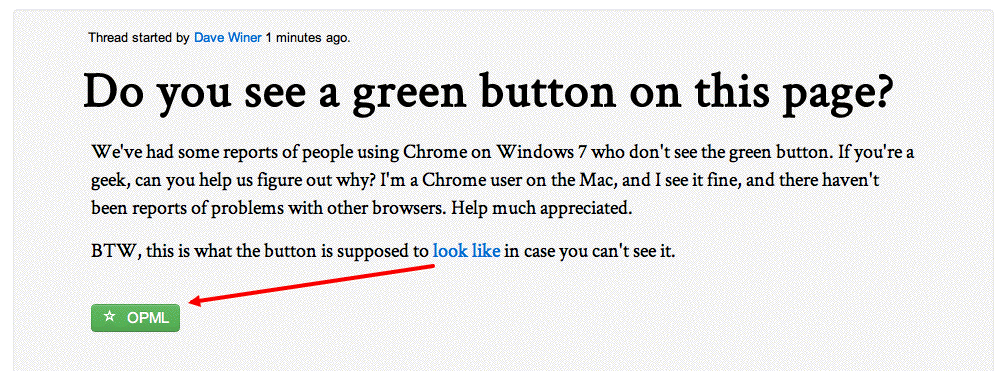
3. BTW, this is what the button is supposed to look like in case you can't see it.

4. The button is generated by a page on a server on the user's machine.

Update: Problem solved! :-)
Andy Sylvester permalink

Bug report

What I was doing: trying to make a OPML comment

What I expected to happen: that I could add a comment, save it, then add another comment.

What actually happened: First, I clicked on Save, then tried to refresh the browser (Chrome 22 on Windows 7), then saw OPML Editor hang (got "Not Responding" message in window)

I then restarted OPML Editor, then clicked Save and View, was then able to see the comment.

Tried to add to my comment, but got another OPML Editor hang ("Not responding")

Came to this page to try again, entered my bug report, now I am trying to add something to my bug report.

I began editing this comment in the Comments Workspace window, was able to add to the above headline, and it looks like this line is going to be in the comment as well.

Patrick permalink

I can see it just fine. Chrome 22 / Windows 7.

John Johnston permalink

yep, osx 10.8.1 Safari 6.0 (8536.25) very neat

Dave Winer permalink

I see one myself. :-)

Jšrg Kantel permalink

Yes, I see it, too. Or in German: Ja, ich sehe das grŸne Knšpfchen É

Mark Cross permalink

yes!

Michael K permalink

Yes.

Had to refresh web page after updating opml.root

using chrome 22.0.1229.39

John Loughlin permalink

Yes

XML
Stats -- Atts